Calculosaures: a dinosaur math game for young calculators
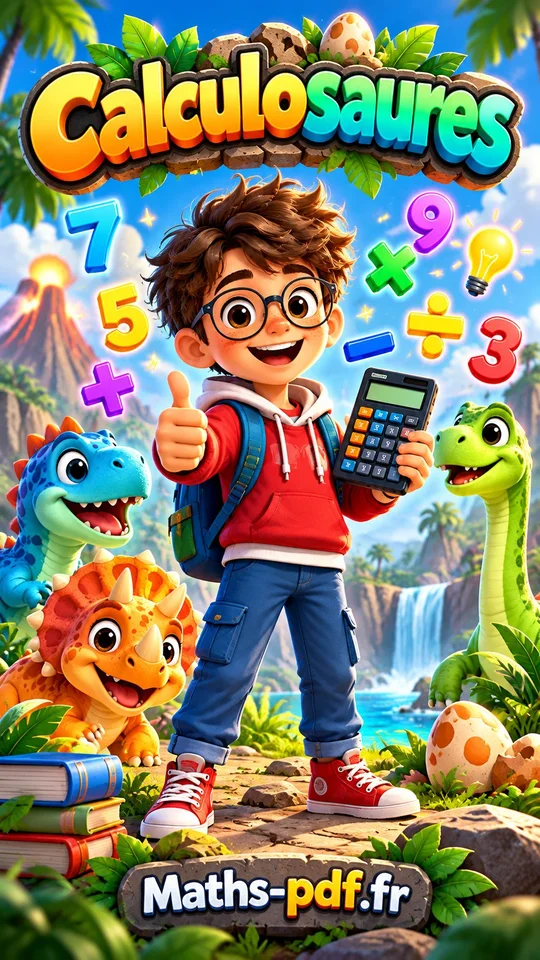
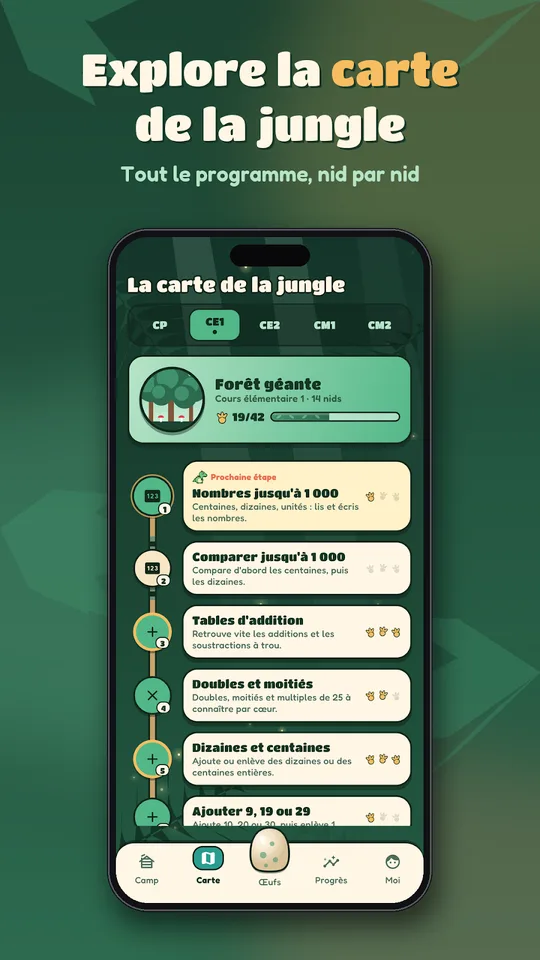
Calculosaures is a dinosaur math game for Android that turns mental arithmetic into an expedition. The child picks one of 16 dinosaur companions, follows the mascot Rexou and explores five territories, one for each year from Grade 1 (CP) to Grade 5 (CM2).
It has nearly 70 skills from the primary curriculum.
The game is published by Maths PDF, the site of lessons and corrected worksheets for Grade 1 to Grade 12.
Get Calculosaures
At a glance
- Platform: Android (iPhone version in preparation)
- Levels: Grade 1 (CP) to Grade 5 (CM2)
- Skills: nearly 70
- Badges: more than 40 eggs, 12 ranks
- Languages: French and English
A dinosaur math game for children who need another way in
Some children find a page of problems on a printed worksheet heavy before they even start. A jungle with a dinosaur companion lowers the barrier. The skills are the same ones taught in primary school, but the child sees them as nests to visit.
Many parents use it as a short warm-up before the weekly worksheet from the Grade 1 section or from the other primary grades.
Five territories
- Grade 1 (CP): the Flowering Plain
- Grade 2 (CE1): the Giant Forest
- Grade 3 (CE2): the Vine Marsh
- Grade 4 (CM1): the Pterodactyl Cliffs
- Grade 5 (CM2): the Rumbling Volcano
Skills include number bonds to 10, doubles and halves, all the tables, making change, multiplying by 10 or 100, first fractions, tenths and hundredths, decimals and short word problems.
Missions and modes
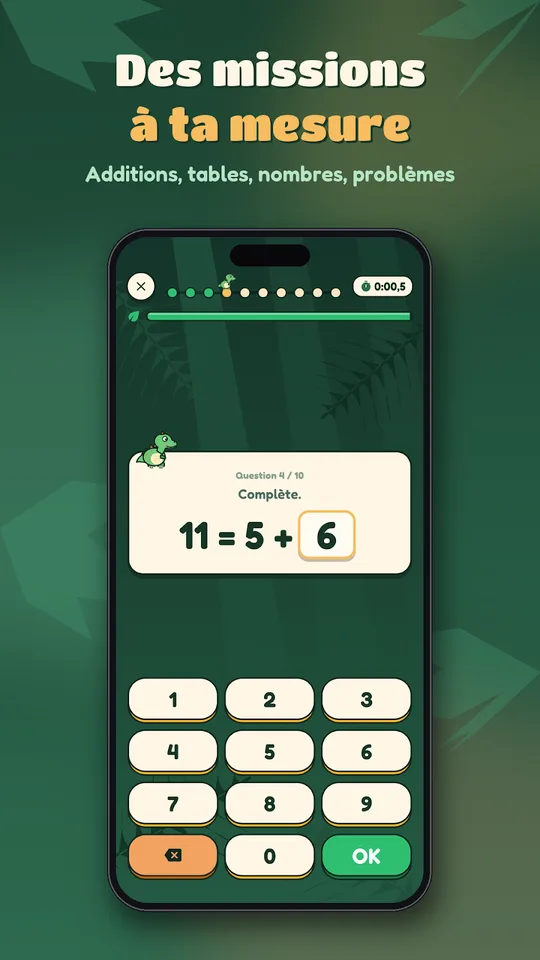
A mission is 10 calculations
Questions are drawn at random and become harder as the child improves. The timer can be adjusted or switched off for children who prefer to take their time. A mission gives up to 3 footprints.
Modes to vary the fun
- Mission of the day: 12 mixed calculations with double experience
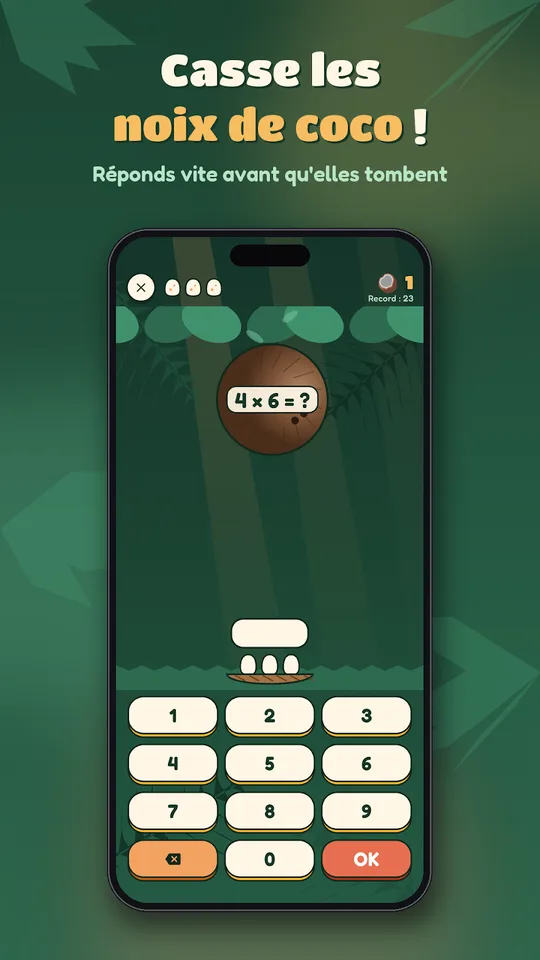
- Coconut rain: break the calculations before they crush the eggs in the nest
- Two-player duel on one screen, each at their own level
Eggs to hatch
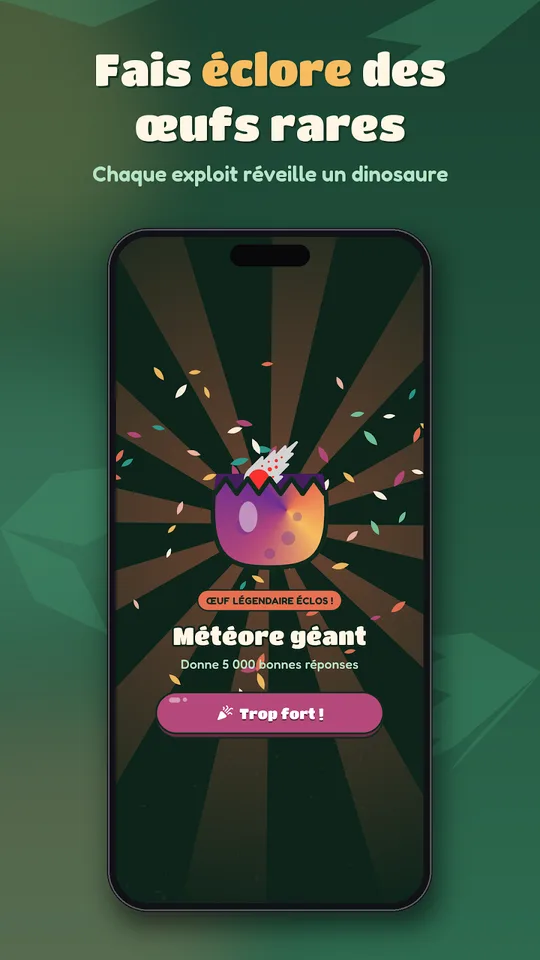
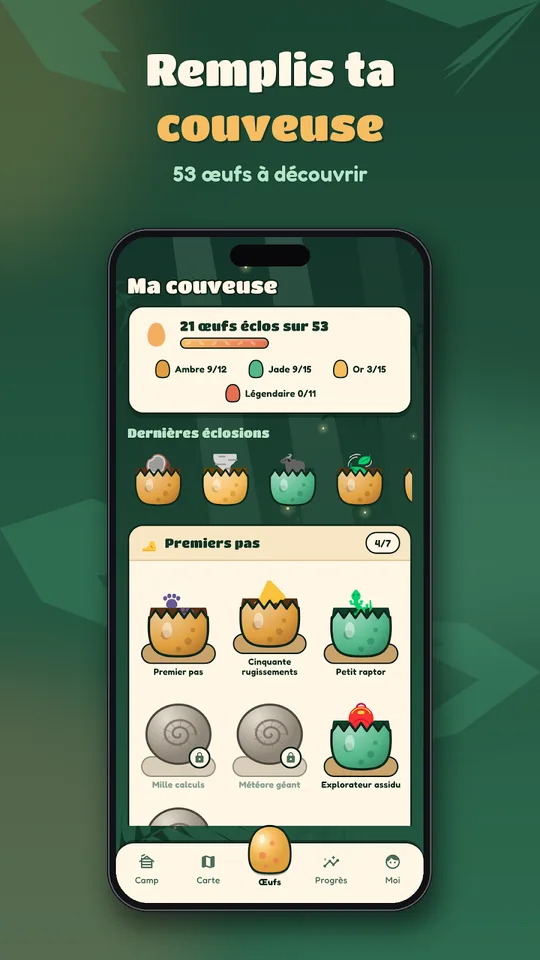
More than 40 badges take the form of eggs: amber, jade, gold or legendary. Until they are earned they are fossils, and once earned they hatch on screen. Along the way the child climbs 12 ranks, from Brand-new Egg to King of the Dinosaurs.
Learning from mistakes and tracking progress
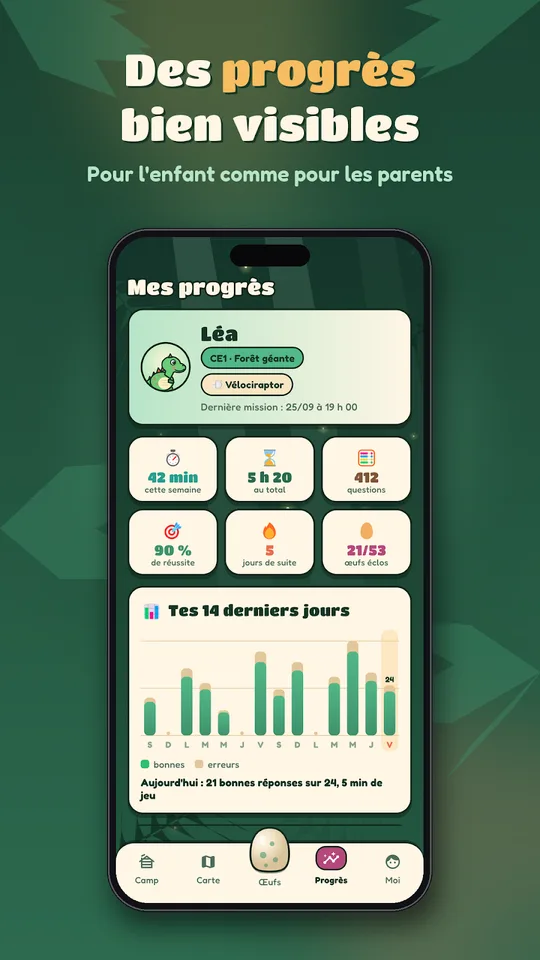
After an error, a tip shows how to approach the calculation. Younger children get visual aids such as dots, fingers, tens and units, coins and notes. The progress screen shows play time, success by calculation type, strengths and topics to revisit.
Getting started
- Install Calculosaures from Google Play.
- Choose a dinosaur companion.
- Open the territory for the school year.
- Complete one mission of 10 calculations.
- Look at the progress screen together.
Language and platform
The game is in French and English, has no ads and saves progress to a Google account. It runs on Android phones and tablets, with an iPhone version in preparation.
Advice for a calm routine
- Limit sessions to two or three missions
- Switch the timer off at first for hesitant children
- Celebrate hatched eggs, not just perfect scores
- Choose the next skill from the progress screen, then print a matching worksheet
The expedition format gives children a reason to come back, and the choice of a dinosaur companion makes the game theirs. Parents keep control through the progress screen, so playing time stays useful and short.
Frequently asked questions
What is Calculosaures?
Calculosaures is an Android math game for primary school. The child chooses a dinosaur, explores five territories from Grade 1 to Grade 5 and completes missions of 10 calculations to earn footprints and egg badges.
How many skills does it include?
It includes nearly 70 skills from the primary curriculum: number bonds to 10, doubles and halves, all multiplication tables, making change, decimals, first fractions and short word problems.
Can children play together?
Yes. In duel mode, two players share the same screen and each plays at their own level. It works well with a parent, a brother or a sister, and keeps the game fair.
Is Calculosaures suitable for parents to follow?
Yes. A progress screen shows play time, success by calculation type, strengths and topics to review, so a parent can see in seconds where the child stands and what to practise on paper.
