
AICKO TABLEUR: free spreadsheet software for marks, budgets and charts
AICKO TABLEUR is free spreadsheet software for Windows 10 and 11 that handles formulas, charts and Excel files. It needs no account, shows no ads and works fully offline, so your workbooks stay on your computer.
It was made for accountants, freelancers, teachers and families who want a clear spreadsheet. For a teacher who prints worksheets each week, it is a simple place to record marks and watch progress.

Get AICKO TABLEUR
At a glance
- Platform : Windows 10 and 11
- Price : free
- Formats : .xlsx, .xls, .ods, .csv, PDF export
- Charts : histograms, lines, pies
- Account and ads : none
Why free spreadsheet software helps a worksheet routine
Every printed worksheet produces a mark, and marks are only useful when they can be compared. A spreadsheet turns a pile of papers into an average per learner, per chapter or per week.
AICKO TABLEUR keeps the tools you need and leaves out the rest. There are no macros to learn, and a ready-made grade report template gets you started in minutes.
The same file can serve the whole family or class. One sheet holds marks, another a budget for materials, a third an attendance list. Since the software opens common formats, you can bring in a file you already have and carry on working.
What the software does
Formulas and cells
- Formulas and functions such as sum, average, if and lookup.
- Cell formatting, borders, colors, number, currency and date formats.
- Merged cells, sorting, filters and several sheets in one workbook.
Files you already have
Open and save .xlsx and .xls files, as well as .ods and .csv, and export to PDF. The .xlsx format is offered by default and can be read almost everywhere. You can receive a workbook from a colleague and continue working on it.
Charts and templates
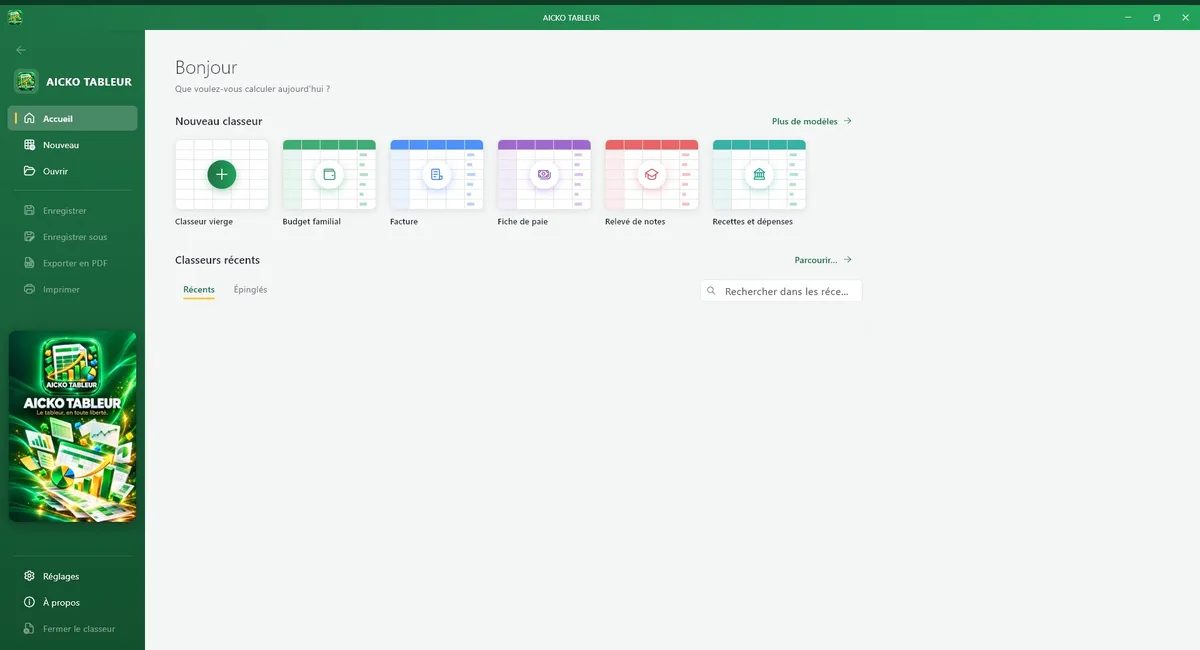
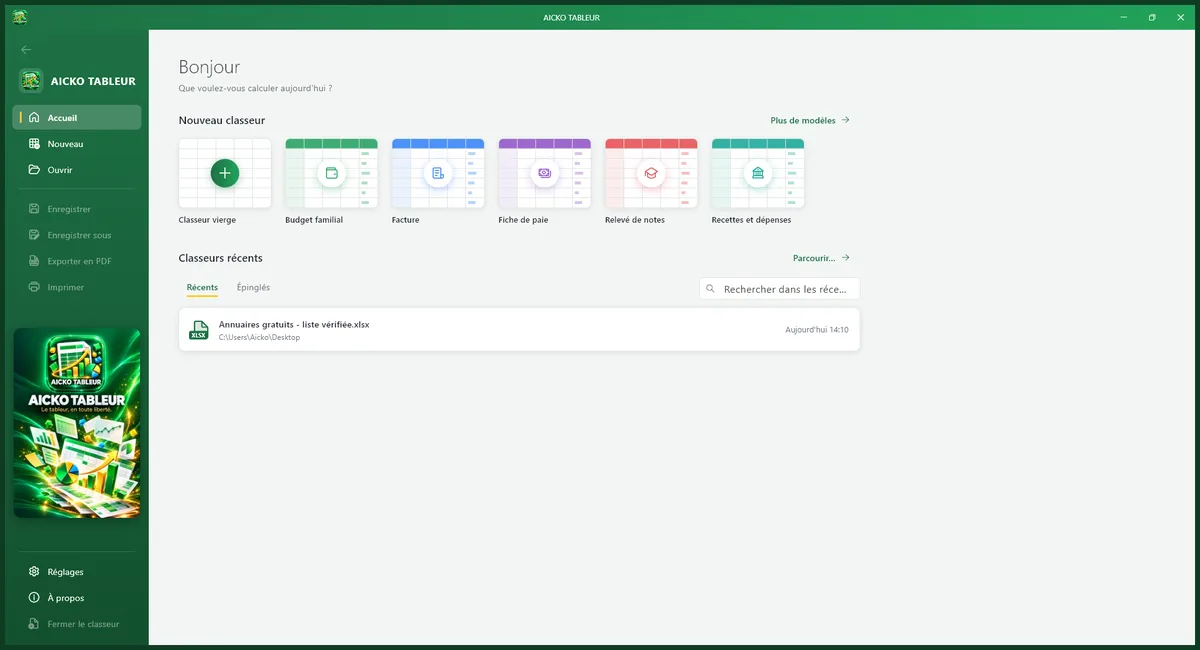
Histograms, line charts and pie charts show your data in a few clicks. Templates are ready to fill: a family budget, an invoice, a payslip, a grade report, and an income and expense book.
Who it is for
Accountants, independent workers, teachers and families will find a ribbon like the one on other programs, a dark mode and several interface colors, in French or English. There is no subscription, no account and no need for an internet connection.
Getting started
- Install AICKO TABLEUR from the Microsoft Store on Windows 10 or 11.
- Open the grade report template or an empty workbook.
- Enter the marks after each worksheet, one row per learner.
- Add a formula for the average and fill it down the column.
- Insert a chart and export a PDF to share with parents.
Habits that keep a workbook readable
Use one sheet per term, so formulas stay short. Put dates in the first column, because a chart of progress then reads from left to right.
Keep a copy of the file before a big change, and name it clearly. A fresh sheet at the start of a term is faster than cleaning an old one.
Apply formatting only where it helps. A clear title row, a single color for totals and a red cell for a low mark are enough. Too many colors make a mark sheet harder to read at a glance.
The spreadsheet also exists as a phone app, described on the AICKO TABLE page. To pair your marks with practice material, see the Algebra 1 (3ème) page.
Frequently asked questions
Is there a free spreadsheet program for Windows that opens Excel files?
Yes. AICKO TABLEUR is free spreadsheet software for Windows 10 and 11. It opens and saves .xlsx and .xls files, as well as .ods and .csv, and exports to PDF. It works offline without an account or ads.
Can I make charts with AICKO TABLEUR?
Yes. You can create histograms, line charts and pie charts from your data in a few clicks. Templates for a budget, an invoice, a payslip and a grade report are also included.
Does AICKO TABLEUR work offline?
Yes. No internet connection or account is needed, and your workbooks stay on your computer. The software is installed from the Microsoft Store, and its interface comes in French or English.
Can teachers use AICKO TABLEUR for grades?
Yes. A grade report template is included, together with formulas for averages, sorting, filters and several sheets. Teachers can record marks after each worksheet and export a PDF of the results.
