
Outilix, a step-by-step equation solver for worksheet days
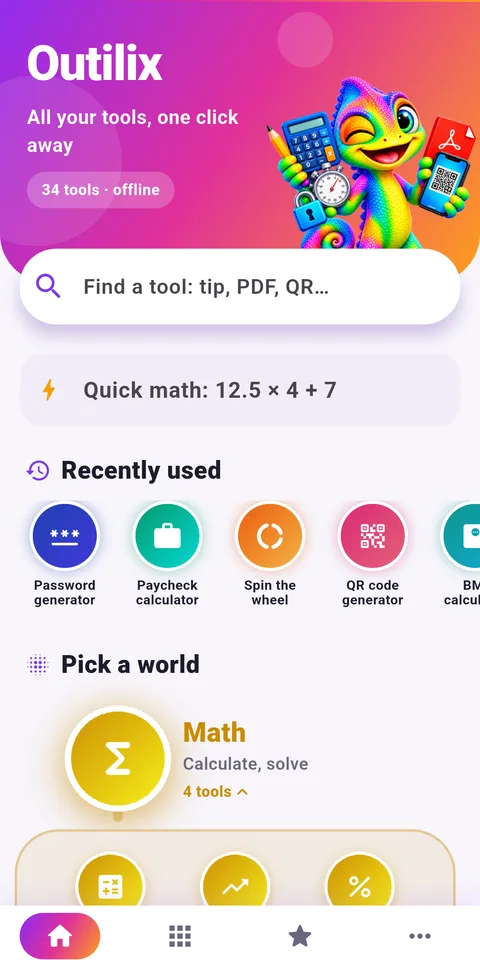
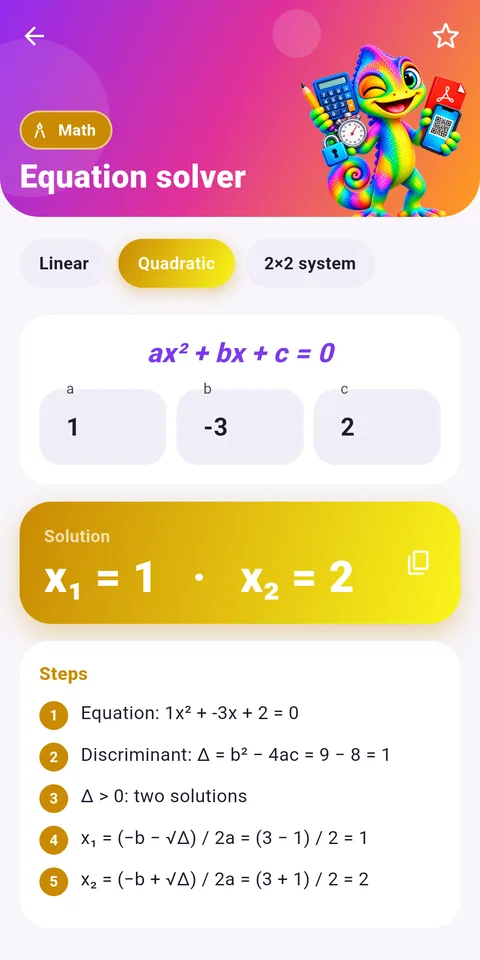
Outilix is an Android app that includes a step-by-step equation solver, a fraction tool that shows its work, and 32 other practical tools, all running offline on a phone. It gives teachers and homeschooling parents a fast way to check answer keys.
Printed worksheets stay at the center of the lesson. The app sits next to them as a checking station: the student solves on paper, then confirms the result and reviews each step on the screen.

Get Outilix



At a glance
- Platform: Android (iPhone version in preparation)
- Equation solver: linear, quadratic and systems, with steps
- Teacher helpers: timer, name draw, PDF scanner
- Works offline: yes
- Languages: English and French
Why teachers and homeschool parents find it useful
Anyone who prints math worksheets every week knows the bottleneck: correcting. A homeschooling parent with two children at different levels may have forty problems to check before lunch. Outilix speeds up that part without replacing the paper work.
Because the equation and fraction tools show steps, the adult can spot the exact line where a child went wrong. That turns a red mark into a short conversation about one step, which is far more useful than a simple right or wrong.
The step-by-step equation solver and other tools for a math week
Equations and fractions
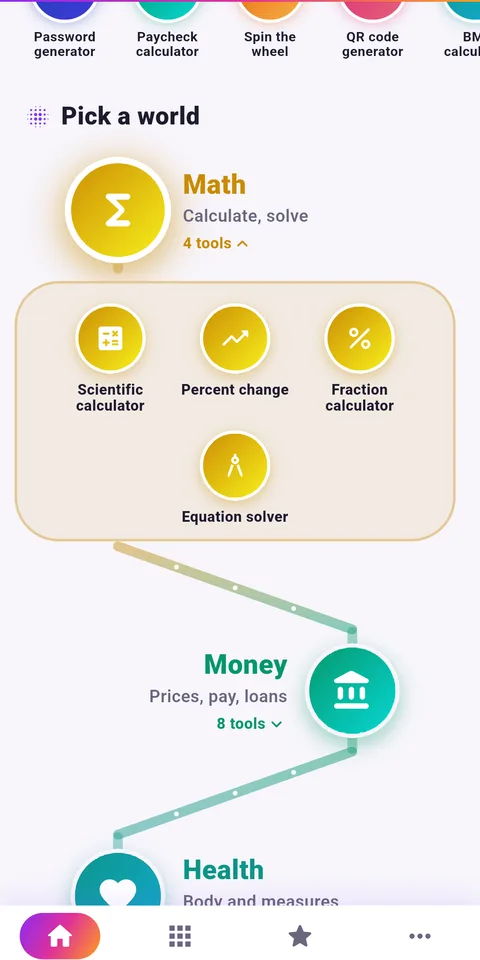
- Equations: linear, quadratic and systems, each with detailed steps
- Fractions: addition, multiplication and simplification, with steps
- Percent change between two values, up or down
Calculators and converters
- Scientific calculator with sine, roots, powers and factorials
- Unit converter for length, mass, volume and speed
- Temperatures in Celsius, Fahrenheit and Kelvin
- Rule of three for proportion problems
Classroom helpers
- Stopwatch with laps and a timer with an alert, handy for timed worksheets
- Random name draw and random numbers without repeats, to pick who answers next
- Document scanner to PDF with automatic cropping, to save a finished worksheet
- QR code creator, for example to share a link with a class
Setting it up for your first week
- Install Outilix from Google Play on an Android phone or tablet.
- On the home screen, search for equations, fractions and timer.
- Add those three tools to your favorites so they appear in one tab.
- Print the week’s worksheet and let the student solve it on paper first.
- Check each answer with the matching tool and go over any step that differs.
- Scan the corrected page into a PDF to keep a record of the week.
There is no account to create. The app follows the phone language, English or French, and it does not need an internet connection.
Good habits for a weekly routine
Keep the phone away during the first attempt. The value of a step-by-step equation solver comes after the student has tried, not before. A simple rule works well: paper first, app second, discussion third.
Match the tool to the level. For Grade 7 (5ème) and Grade 8 (4ème), the fraction and percent change tools are the most useful. For Algebra 1 (3ème) and beyond, the equation solver becomes the main checking tool, especially for systems of two equations. Use the timer for a short warm-up of five problems at the start of each session.
Finally, keep printing. The math worksheets library is organized by level, with pages such as Grade 7 math and Algebra 1 math, so the app and the printed problems follow the same progression. Outilix runs on Android today, and an iPhone version is in preparation.
Frequently asked questions
Can a math app check worksheet answers with steps?
Outilix can. Its equation tool solves linear and quadratic equations and systems with steps, and its fraction tool shows how fractions are added, multiplied or simplified. Teachers can compare these steps with the work written on a printed worksheet.
Does Outilix work without internet in a classroom?
Yes. All the calculation engines are inside the app, so the tools run offline. That is practical in a classroom or at a kitchen table without Wi-Fi, and no account or sign-in is required.
Which tools in Outilix help with classroom management?
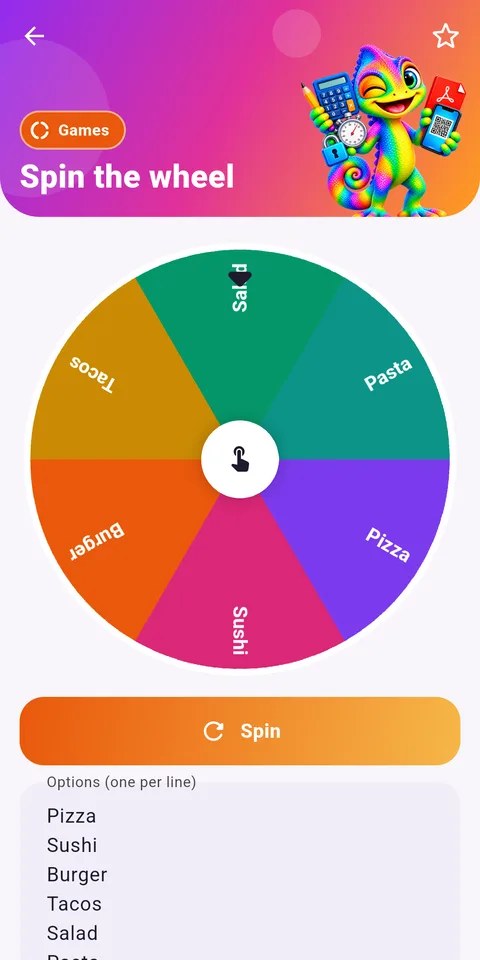
Besides the math tools, Outilix has a stopwatch with laps, a timer with an alert, a random name draw, a wheel of fortune and random numbers without repeats. A teacher can use them to time a worksheet or choose a student.
Can I scan a finished worksheet with Outilix?
Yes. Outilix includes a scanner that turns a paper page into a PDF with the phone camera and crops it automatically. It can also put several images into one PDF or merge several PDF files together.