
AICKO IPTV: an IPTV player app for your own M3U and Xtream lists
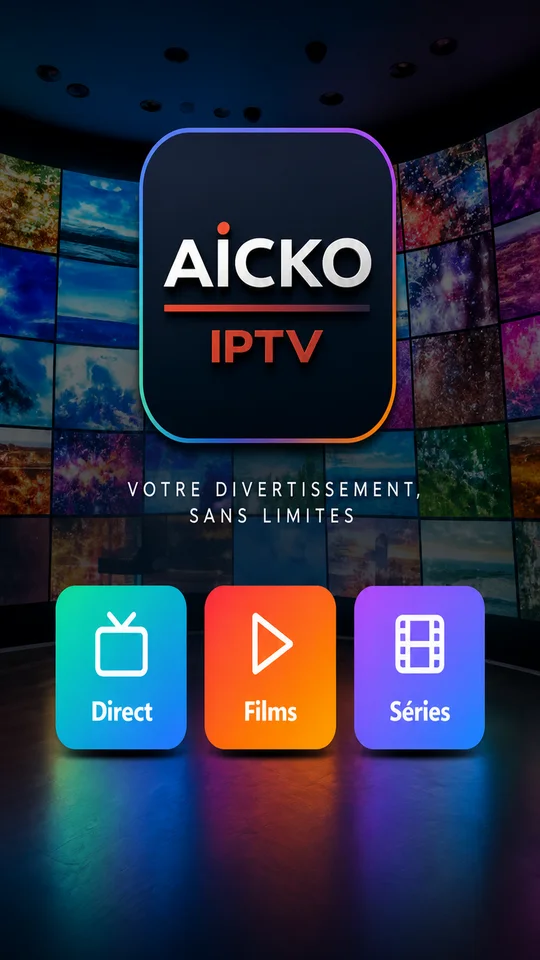
AICKO IPTV is an IPTV player app for Android, Android TV and Fire TV. You add your own M3U list or Xtream codes, and it plays your channels on a phone, a tablet or a television.
It is only a player and supplies no channels. For a household that has finished the day’s worksheets, it offers one tidy place to watch your own playlist, with favorites and playback position kept in step across devices.

Get AICKO IPTV
At a glance
- Platform : Android, Android TV, Fire TV
- Playlist formats : M3U and Xtream codes
- Content supplied : none
- TV setup : QR code pairing
- Synced : favorites, hidden categories, playback position
Why an IPTV player app fits a family routine
Teachers and homeschooling parents plan the week around printed worksheets, and the end of the school day is also when the screen comes on. A clear, simple player keeps that moment organized: one app, one playlist, no scattered bookmarks.
AICKO IPTV does not provide or sell any content. You use the playlist given by your own provider, and the app displays it.
This matters for parents and teachers who want to know exactly what an app does. Here the role is limited: it reads the list you give it, remembers your favorites and your place in a film or series, and keeps the menu clean by hiding what you do not use.
What the app does
Playlists and playback
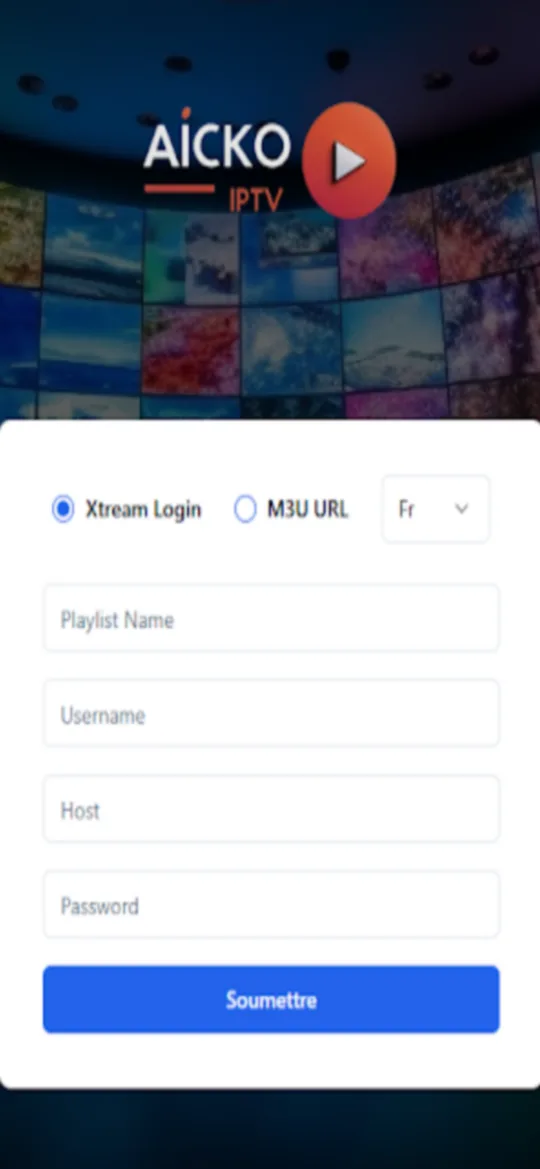
- Add a list in M3U format, or enter your Xtream codes.
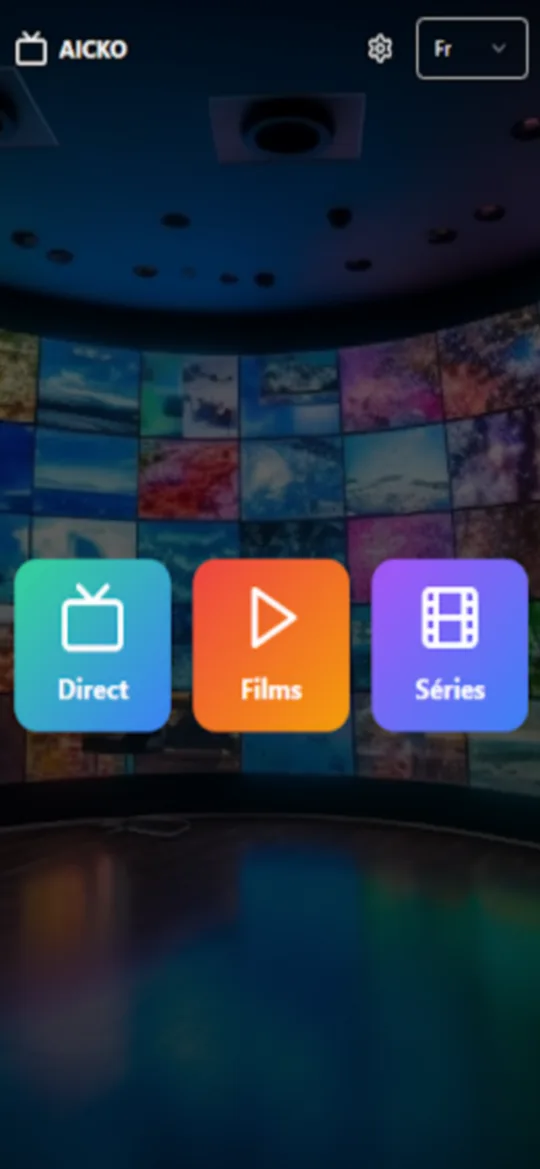
- Browse live channels, films and series from your provider.
- Resume playback where you stopped.
- Hide the categories you never watch, so the menu stays short.
- Save favorites for quick access.
Phone, tablet and TV
The same app runs on Android phones and tablets, on Android TV and on Fire TV. On a television, you do not type a playlist address with the remote. Instead, you pair the TV with your phone by scanning a QR code, and the phone controls which account is active.
Sync between devices
Favorites, hidden categories and playback position follow you from one device to another. Each playlist keeps its own data, so two different providers are never mixed together. Messages from the app appear as notifications on mobile only, not on a TV.
Getting started
- Install AICKO IPTV from Google Play on your phone, or from the Amazon Appstore on Fire TV.
- Add your M3U list or your Xtream codes.
- Browse the categories and hide the ones you do not need.
- Mark your favorite channels.
- To use a TV, open the app on it and scan the QR code with your phone.
Good practice for a household
Check that your provider’s playlist is legal where you live and that you have the right to watch it. The app cannot make that judgment for you.
Agree on a watching time with your children, for example after the daily worksheet is done. A favorites list limited to a few channels makes that agreement easier to follow.
Keep the app up to date. If a playlist fails to load, check first that the address or the Xtream codes were copied exactly, with no extra spaces at the end, and ask your provider if the problem continues.
The player never signs you out because of a network problem. If your connection drops, wait for it to return and the app will carry on with the same settings.
If you also read documents on the same devices, the AICKO PDF page describes a reader for your worksheets.
Frequently asked questions
What is an IPTV player app?
An IPTV player app plays a playlist that you supply, such as an M3U list or Xtream codes. AICKO IPTV works this way for Android, Android TV and Fire TV. It provides no channels or content itself.
How do I use AICKO IPTV on my TV?
Install it on Android TV or Fire TV, open it and pair the TV with your phone by scanning a QR code. You do not type a playlist address on the television, since the phone controls the active account.
Does AICKO IPTV sync favorites between devices?
Yes. Favorites, hidden categories and the point where you stopped watching are kept in step between your devices. Each playlist keeps separate data, so two providers are not mixed.
Is AICKO IPTV available on iPhone?
Not yet. The app is available for Android, Android TV and Fire TV through the Amazon Appstore, and an iPhone version is still in preparation. A Windows player also exists.
