
AICKO IRIS: a fast image viewer for Windows that opens every format
AICKO IRIS is an image viewer for Windows 10 and 11 that opens almost every picture format, including HEIC and AVIF. It is free and fast, and it needs no extension from Microsoft.
This helps teachers and families who collect photos from many devices. When a phone photo of a worksheet or a scan will not open, AICKO IRIS lets you look at it and move on.

Get AICKO IRIS


At a glance
- Platform : Windows 10 and 11
- Price : free
- Special formats : HEIC, AVIF
- Also opens : TIFF, JXR, RAW
- Role : viewer only
Why an image viewer for Windows helps with worksheets
Photos of finished worksheets arrive from many sources: a phone, a tablet, a scanner. Some come in formats that a basic viewer cannot open, so you get a blank icon or a request to install an extension.
AICKO IRIS was built so that images open on any PC. You can browse a folder of homework photos, check that each one is readable, and move on without a detour.
The software is also a good partner for people who photograph pages with a phone. Recent phones often save pictures in a format that older programs cannot display, so a viewer that reads them directly saves time every week.
What the software opens
Supported formats
- The usual picture files that every PC handles.
- HEIC and AVIF, which many recent phones and cameras produce.
- TIFF, JXR and RAW, through the decoders already present in Windows.
How HEIC and AVIF are handled
The decoder is bundled with the software, so you do not need to download a codec or buy an extension. It only reads these files; it does not include encoders.
Settings and design
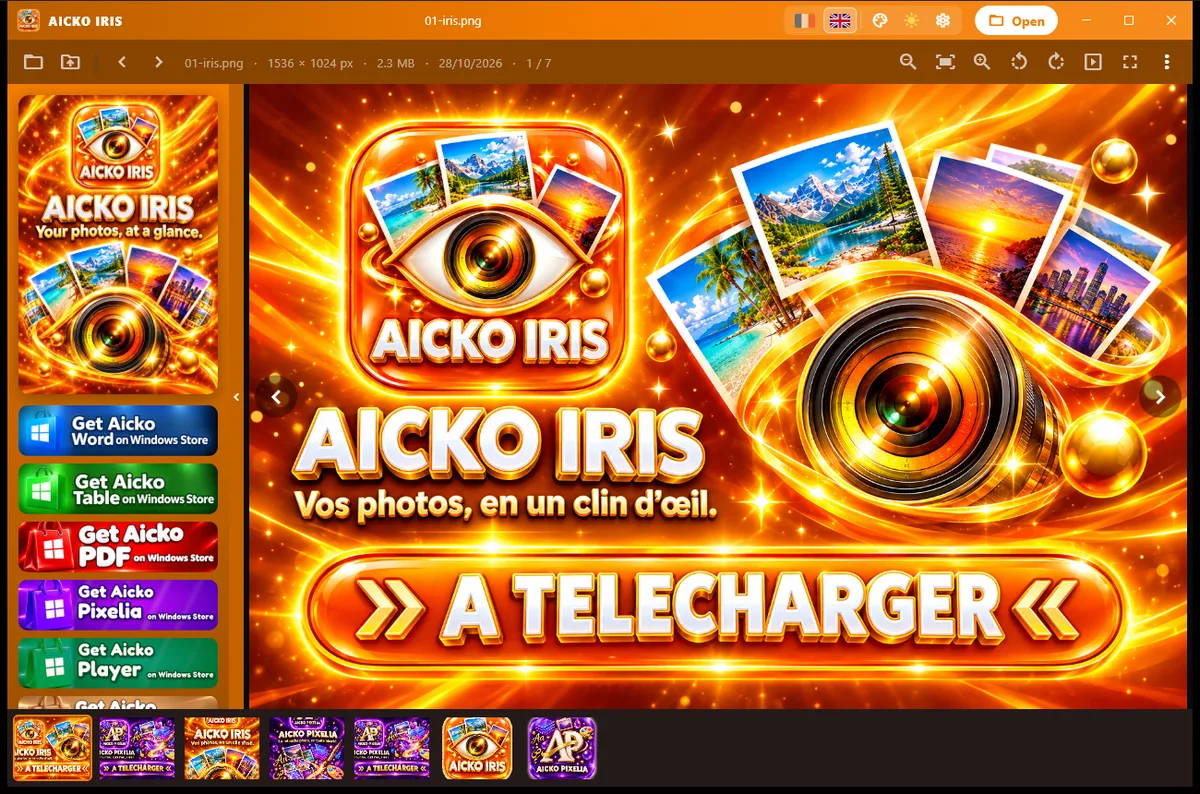
The interface is orange, with the same title bar, settings and left column as AICKO PIXELIA. You can switch between French and English and change the color in the settings.
A viewer and an editor, separately
AICKO IRIS only views images. If you want to retouch a picture, add layers or write text on it, use AICKO PIXELIA, its companion editor.
Getting started
- Install AICKO IRIS from the Microsoft Store on Windows 10 or 11.
- Open it and select a picture, for example a HEIC photo from a phone.
- Browse the other pictures in the same folder.
- If a photo needs retouching, open it in AICKO PIXELIA.
- Print the pictures you want to keep, or paste them into a worksheet.
Good habits for photos and scans
Name your files with the date and the level when you receive them. A folder sorted by name is easier to browse than a folder of camera numbers.
When you scan worksheets, choose a common format. A file that opens everywhere avoids problems later, especially if you share it with another family or a colleague.
Do the same for photos of children’s work. A short routine at the end of the week, opening each picture once, makes sure nothing is lost or unreadable when you need it for a report or a portfolio.
Browse a folder before you print it. A quick look at each picture shows blurred scans, pages rotated the wrong way and duplicates that are better left out of the pack.
Keep your original photos untouched and work on copies. For tidy printouts, see the AICKO PDF page and the Grade 2 page for worksheets to compare with.
Frequently asked questions
How can I open HEIC files on Windows?
AICKO IRIS opens HEIC photos on Windows 10 and 11 without any extension from Microsoft. The decoder is built into the software, which also opens AVIF images.
Which image formats does AICKO IRIS support?
It opens the usual picture files, plus HEIC and AVIF. TIFF, JXR and RAW files are opened through the decoders already present in Windows.
Can I edit photos in AICKO IRIS?
No. AICKO IRIS is a viewer. For retouching, layers, filters or text, use the companion editor AICKO PIXELIA, which is a separate free program for Windows.
Is AICKO IRIS free?
Yes. It is a free software for Windows 10 and 11, installed from the Microsoft Store. Its interface is available in French or English, and its color can be changed in the settings.
