
AICKO TABLEUR: a spreadsheet app for grades, budgets and charts
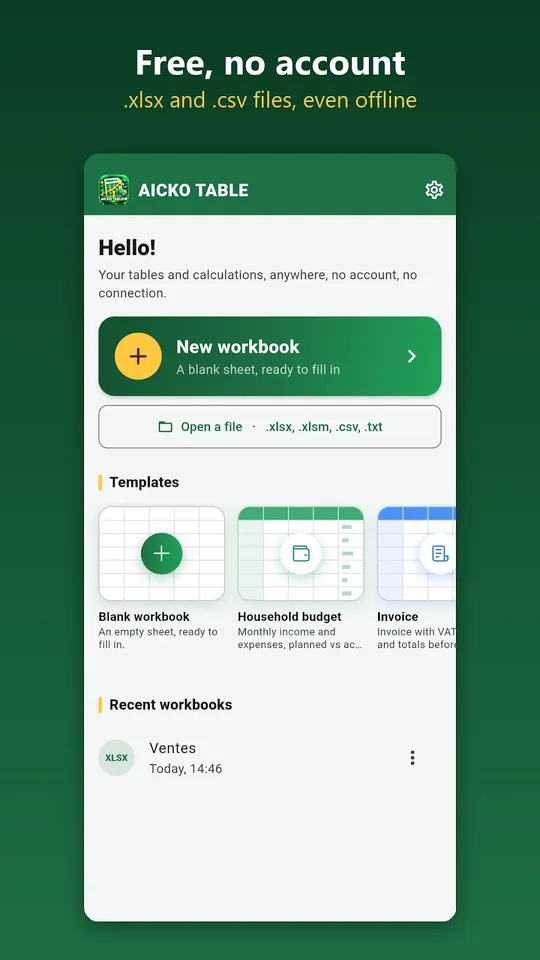
AICKO TABLEUR is a spreadsheet app for Android that handles tables, calculations and charts on a phone or tablet. It opens and saves .xlsx and .csv files, with no account, no ads and no connection needed.
Teachers can use it for grade sheets, and families for budgets and invoices. It sits well beside printed worksheets, because the same device can total a mark sheet or chart a class result.

Get AICKO TABLEUR

At a glance
- Platform : Android
- Functions : more than 140
- Files : .xlsx and .csv, PDF export
- Works offline : yes
- Account and ads : none
Why a spreadsheet app belongs in a teacher’s weekly routine
Worksheets produce numbers: marks, scores, time spent, progress over several weeks. Keeping them in a notebook makes averages slow to compute. A spreadsheet adds the marks up for you and shows the trend in a chart.
Homeschooling families can use the same tool for the household side: a monthly budget, a list of materials to buy for the term, or an attendance list for a small co-op group.
Because files open in .xlsx, you can start a sheet on the phone and finish it later on another program, with the same formulas and the same formatting.
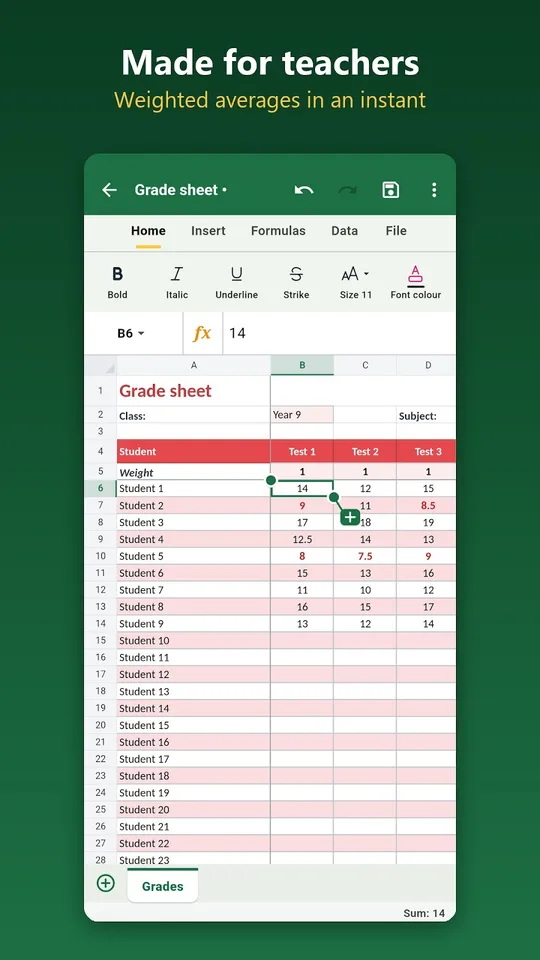
AICKO TABLEUR keeps this simple. It includes a grade report template with coefficients, so you can enter marks after each printed worksheet and read the average at once.
What the app offers
Formulas
- More than 140 functions, with French names: sum, average, if, lookup, count-if, round, loan installments and more.
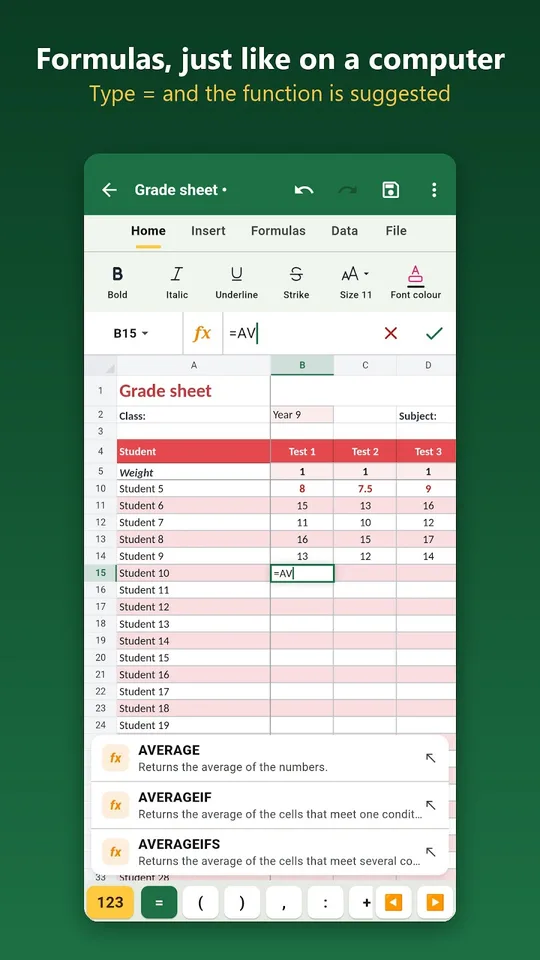
- Type an equals sign and the first letters, and the function is suggested.
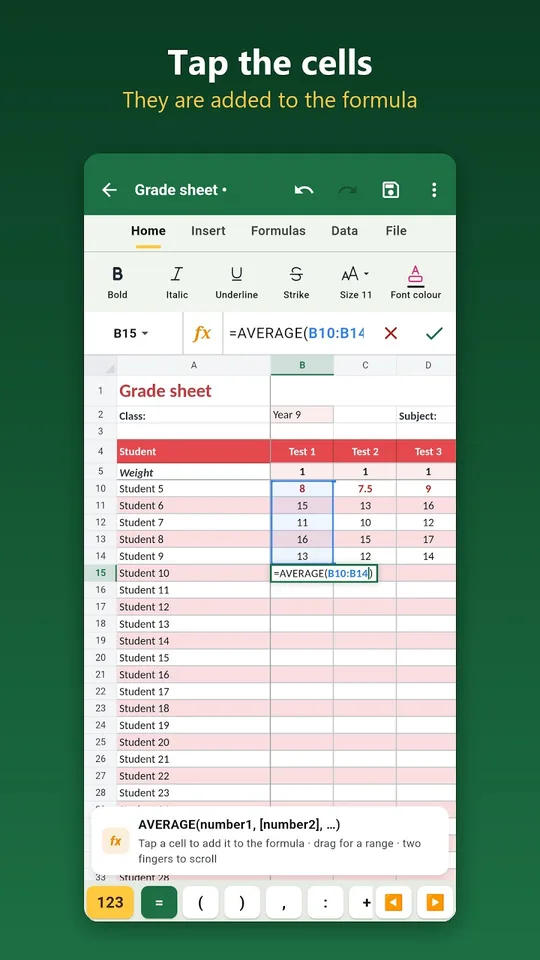
- Touch a cell or drag across a range to add it to the formula.
- A forgotten closing parenthesis is added for you, and an automatic sum is one gesture away.
Templates, formatting and charts
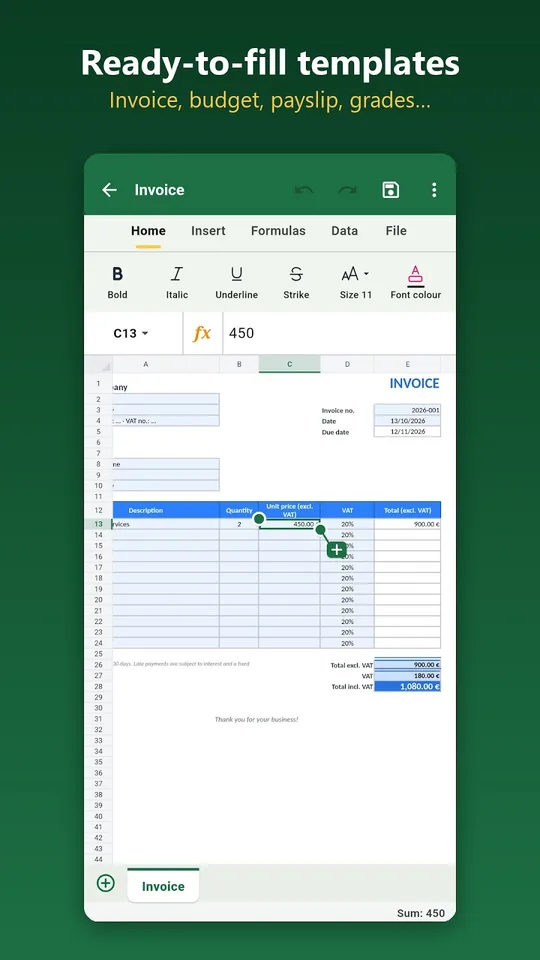
Ready-to-fill templates include an invoice with VAT, a family budget, a simplified payslip, a grade report with coefficients, an income and expense ledger, a timesheet, a loan table and an attendance list.
- Bold, colors, borders, merged cells and text wrapping.
- Number, currency, percentage, date and time formats.
- Conditional formatting, for example marks below 10 shown in red.
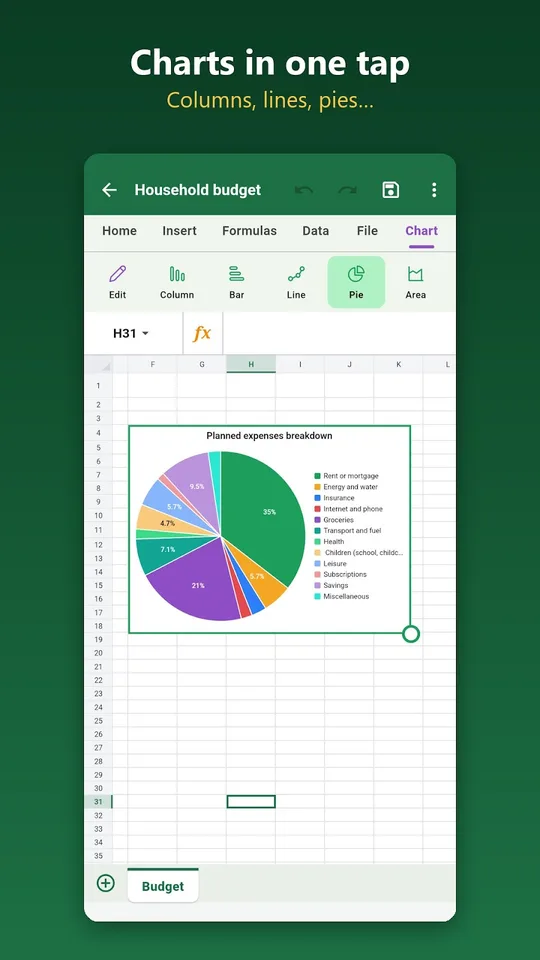
- Charts: columns, bars, lines, pies, areas and scatter plots.
- Sort, filter, remove duplicates, freeze panes and several sheets.
Files and privacy
Open and save .xlsx and .csv files, export a print-ready PDF and share by email, messaging or cloud. Workbooks stay on your device, the app works offline, and the interface is in French or English with dark mode and seven colors. A Windows version exists too.
Getting started
- Install AICKO TABLEUR from Google Play on your Android phone or tablet.
- Open the grade report template or start an empty workbook.
- Enter your marks and type a formula such as an average.
- Apply conditional formatting so that low marks stand out.
- Insert a chart, then export a PDF or share the .xlsx file.
Good habits for weekly tracking
Use one sheet per learner or per class, and one row per worksheet. Keep the dates in the first column, so a chart of progress is easy to build.
Save a copy at the end of each term. A fresh file for the next term keeps formulas short and readable.
On a computer, the Windows edition is described on our AICKO TABLE page. To pair your marks with practice material, see the Algebra 2 (Première) page.
Frequently asked questions
Is there a spreadsheet app for Android that opens .xlsx files?
Yes. AICKO TABLEUR opens and saves .xlsx and .csv files, exports to PDF and offers more than 140 functions and several chart types. It works offline, with no account and no ads.
Can I make a grade sheet with AICKO TABLEUR?
Yes. A ready-to-fill grade report template with coefficients is included, and conditional formatting can show marks below 10 in red. Charts and filters help you follow a class over several weeks.
Are the formula names in French or English?
The app has more than 140 functions with French names, such as sum, average and lookup in their French forms. The interface can be switched between French and English, so check the names before sharing a file.
Is AICKO TABLEUR available on iPhone?
Not yet. The app is available for Android, and an iPhone version is still in preparation. The same spreadsheet also exists as a complete version for Windows, with the same way of working.
